

FOSS is a research-based science curriculum for grades K-8 developed at The Lawrence Hall of Science.
FOSS has evolved from a philosophy of teaching and learning that has guided the development of successful active-learning science curricula for more than 40 years.
Start your FOSS experience with this NSTA TV video to see students engaging with the curriculum and featuring the developers at the Lawrence Hall of Science, University of California, Berkeley.
The FOSS Program bridges research and practice by providing tools and strategies to engage students and teachers in enduring experiences that lead to deeper understanding of the natural and designed worlds.
Science is a creative and analytic enterprise, made active by our human capacity to think. Scientific knowledge advances when scientists observe phenomena, think about how they relate to what is known, test their ideas in logical ways, and generate explanations that integrate the new information into understanding of the natural and designed worlds. Engineers apply that understanding to solve real-world problems. Thus, the scientific enterprise is both what we know (content knowledge) and how we come to know it (science practices). Science is a discovery activity, a process for producing new knowledge.
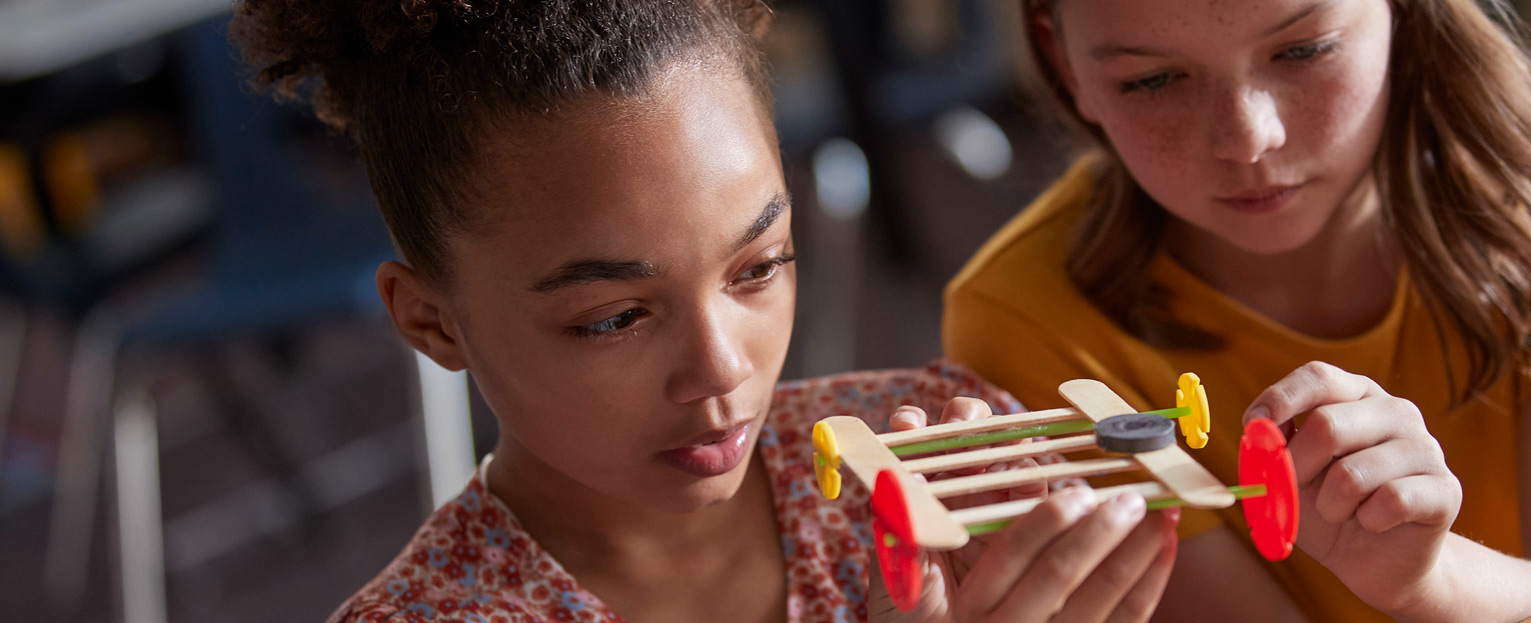
The best way for students to appreciate the scientific enterprise, learn important scientific and engineering concepts, and develop the ability to think well is to actively participate in scientific practices through their own investigations and analyses. The FOSS Program was created to provide exactly those kinds of meaningful experiences through engaging with this active participation in scientific practices.
Each FOSS investigation follows a similar design to provide multiple exposures to science concepts. The design includes these pedagogies.
Active investigation, including outdoor experiences
Recording in science notebooks to answer focus questions
Reading in FOSS Science Resources
Assessment to monitor progress and motivate student reflection on learning
In practice, these components are seamlessly integrated into a continuum designed to maximize every student’s opportunity to learn. An instructional sequence may move from one pedagogy to another and back again to ensure adequate coverage of a concept.